C#
Visual Studio - Windows Forms Embed Resources
Creating a folder and Embedding a resource
Create a Folder, this is the Folder that will contain our Embedded File
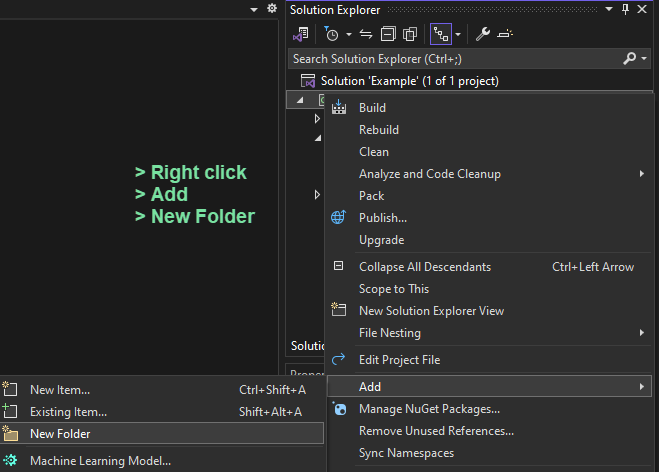
I named the Folder Files
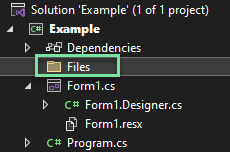
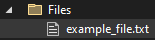
You can now add a file to that Folder
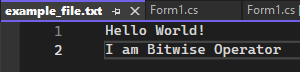
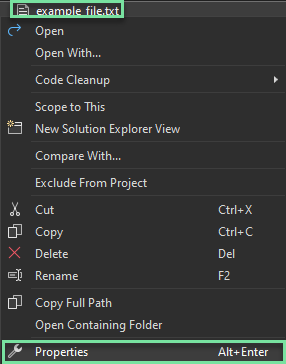
I added file example_file.txt
Right click the file > Properties
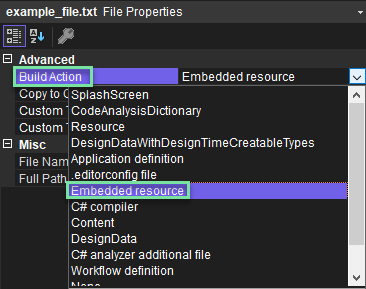
Change the BuildAction to Embedded resource
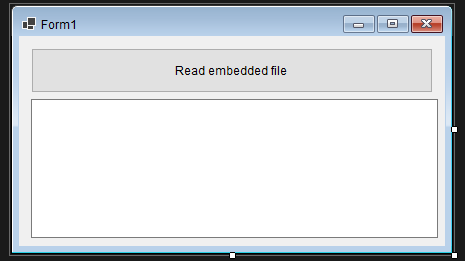
Creating the Visual Form
I added a Button and a multiline TextBox. I also changed the names on both items so we know what I am calling.


The Code part
The namespace
On the Visual Form, double click the Button

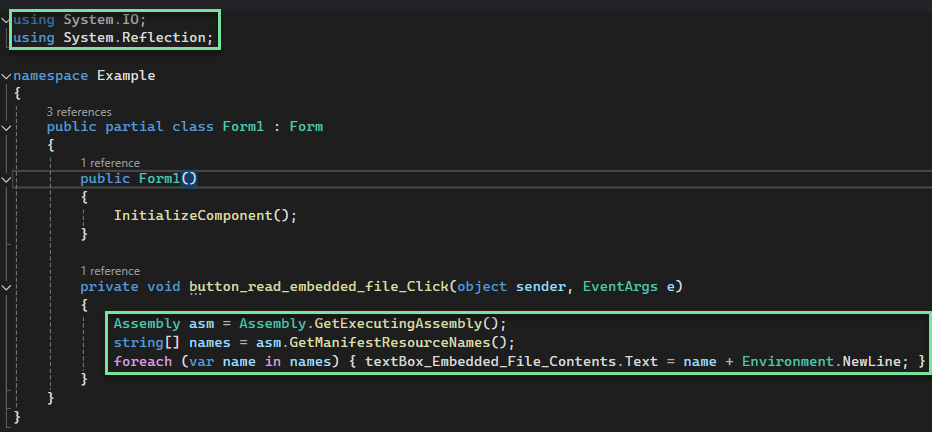
At the of the page, add the following
In the Button function, add the following code
Assembly asm = Assembly.GetExecutingAssembly();
string[] names = asm.GetManifestResourceNames();
foreach (var name in names) { textBox_Embedded_File_Contents.Text = name + Environment.NewLine; }
What we will use above code for is only to get the namespace call for the text file so we can use it in the next steps.
So far this is what the code looks like
First run F5, Click the Button. Now we can see how the file is being called with the namespace. So it's doing
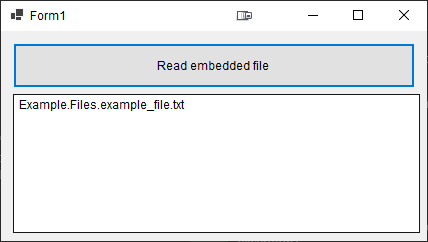
Reading the file content
Now that we know the namespace call for this file, we will remove that code section and replace it with the following
Assembly asm = Assembly.GetExecutingAssembly();
StreamReader reader = new StreamReader(asm.GetManifestResourceStream("Example.Files.example_file.txt")); //ConfigurationRepeater is the namespace of the project
textBox_Embedded_File_Contents.Text = reader.ReadToEnd();
This is what the code looks like now
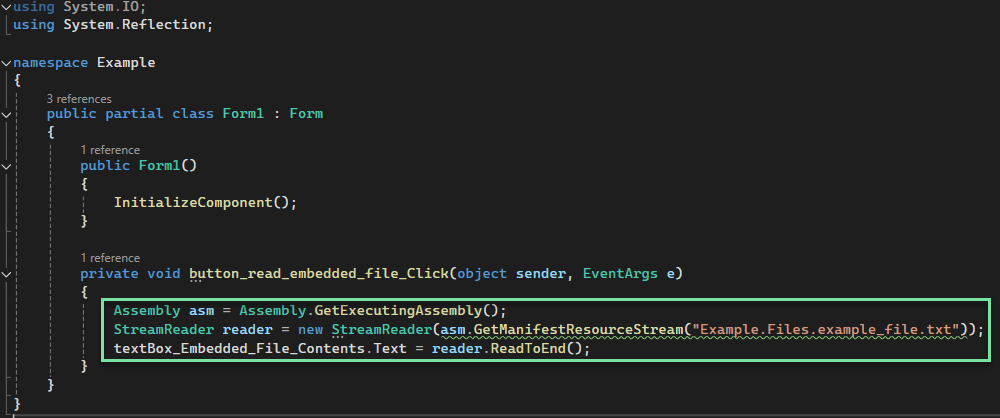
Run the form again F5, Click the Button and it should read the Embedded File contents and print them to the TextBox.
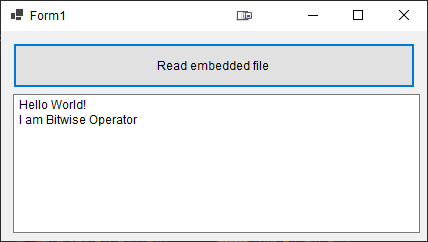
It indeed printed the file contents correctly